What AI translation for churches actually replaces
If your congregation has families who follow along at maybe 60% comprehension, you already know the cost: they miss the sermon, skip the announcements, and drift toward a church where they can understand the preaching. The traditional fix was a booth, receivers, and volunteers handing out headsets at the door. Boostlingo describes the legacy approach in churches, synagogues and mosques as involving multiple steps and expensive equipment, and Wordly's church page walks through the same chain — a speaker on stage, plus two interpreters working in a booth and taking turns.
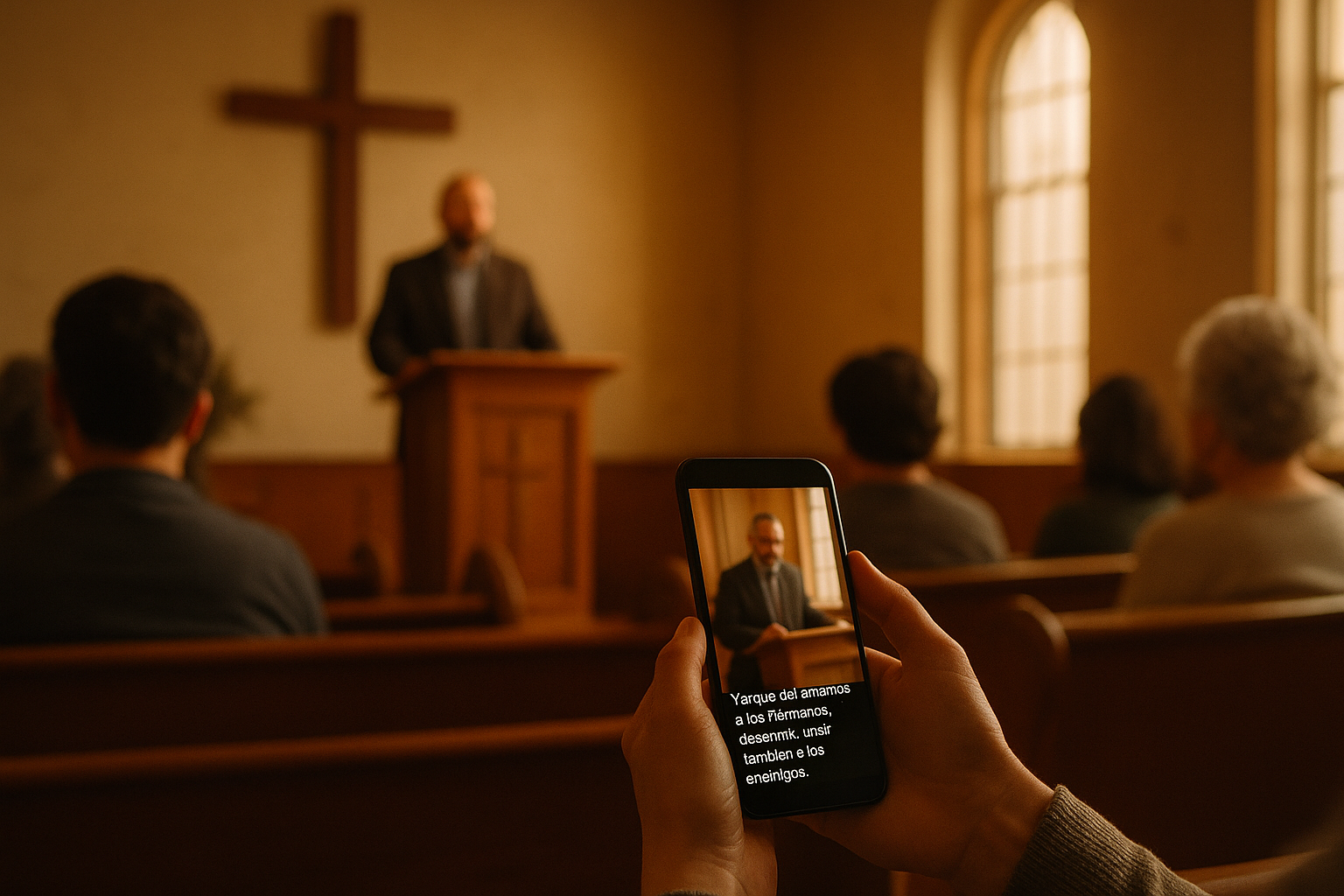
AI translation for churches collapses that chain into a mic feed and a QR code. Attendees scan a code on their own phone and receive translated captions or synthesized audio in their language — no receivers to sanitize, no batteries to charge, no sign-out sheet. That's the standard delivery model across the category, confirmed on product pages from OneAccord, Stenomatic and others.
This guide covers the decisions that actually matter: which output mode to pick, how to test a vendor honestly in one Sunday, the setup checklist, and the weeks where you should still hire a human.
Captions or voice? Pick deliberately, not by default
Most platforms offer both translated text and voice-to-voice audio. They serve different people, and defaulting to one without thinking is the most common mistake.
- Translated captions work well for literate adults, for quiet sanctuaries, and for people who want to glance at their phone occasionally rather than listen through an earbud. Captions also serve Deaf and hard-of-hearing attendees at the same time — Boostlingo frames live translation and captions as serving Deaf and hard-of-hearing attendees, non-English speakers, and remote participants from one system.
- Voice-to-voice audio is better for older attendees, anyone with low literacy in their own language, and people who genuinely want to keep their eyes on the pastor. Stenomatic and spf.io both advertise speech-to-speech output alongside captions.
One underrated advantage of captions: they can be pushed to three surfaces at once. spf.io documents sending the same feed to attendee phones, in-room screens, and an embedded player on your website or livestream. If you have a projector already, the second-language line can live there for free.
Ask a handful of your actual bilingual families which they'd prefer before you buy. In our experience the answer is usually "both, depending on the person" — which is fine, because most platforms run both simultaneously.
Don't forget slides and song lyrics
Translating the sermon and leaving the worship set in English is a half-solution, and congregants notice. spf.io offers translating slides and songs and controlling their display from the same console. Whatever platform you choose, decide up front who is responsible for the lyric slides — usually the same volunteer running ProPresenter, with a pre-translated second language line prepared during the week.
How to test a platform in one Sunday (without trusting the accuracy claims)
Every vendor quotes an accuracy number. Word Error Rate (WER) is the industry metric — Sestek defines it as counting insertions, deletions and substitutions against a reference transcript, lower being better, and a 5% WER means roughly 95 of every 100 words came through correctly. Current top-tier engines report low single digits: NVIDIA Canary at 5.63% WER, Gemini at 2.9%, ElevenLabs Scribe v2 at 2.3% in early 2026.
Those numbers are close to useless for judging sermon translation. A research paper on Swiss German speech recognition argues WER is inadequate for dialect-to-standard work because it penalizes any deviation from the reference transcript even when the alternative is a perfectly valid translation, and it cites work showing WER fails to distinguish semantically correct output from incorrect output, and that keyword preservation and meaning preservation can diverge substantially. The same paper raises benchmark contamination as a live risk in ASR evaluation. Translation: treat quoted accuracy as marketing until you've tested it on your pastor's voice, in your room.
Here's a test you can run during a free trial — OneAccord and most competitors offer one:
- Pick a midweek service or Bible study first, not Sunday. Lower stakes, real conditions.
- Before the service, write down 20 key terms you must not lose: grace, covenant, Holy Spirit, book and chapter references, your church's name, staff names, and any recurring member names in announcements.
- Record the translated output. Afterward, score how many of the 20 survived intact — not overall word accuracy. A platform that garbles "Ephesians" and mangles your pastor's name every time will erode trust faster than one with slightly rougher grammar.
- Test the hardest section: prayer. Softer voice, slower cadence, more overlapping speech from the congregation.
- Ask two native speakers to rate comprehension 1–5, separately, and compare notes.
Also factor in your language pair. Accuracy is strongly language-dependent, with the strongest results reported on English, Spanish, French and German because that's where the training data is. An English→Spanish deployment is a materially different risk profile from English→Amharic or English→Hmong — and if you're in the second group, budget more time for evaluation. Our guide to Spanish church service translation covers the most common pairing in more detail.
The technical setup checklist
Nearly every failure we see traces back to audio, not software.
- Get a clean mic feed. Not a room mic, not a camera mic. Take a direct feed from your board — the pastor's lav or handheld, post-fader, without music bed. Speech recognition degrades sharply with worship music mixed under speech.
- Make the QR code obvious. Print it in the bulletin, put it on a slide before service, and stick it on the seat-back or the welcome table. Add one line in the target language explaining what it is.
- Have a greeter who can explain it. For the first month, one volunteer standing where visitors enter, phone in hand, demonstrating the scan. This does more for adoption than any slide.
- Overlay captions on your livestream. OneAccord documents adding the same live captions as an OBS lower-third graphic, so online viewers get the same access as people in the room.
- Automate start/stop from the booth. OneAccord's API supports remote start/stop and references Bitfocus Companion and Stream Deck integration — meaning your volunteer tech can trigger translation from the same surface they use for scenes and cameras, instead of remembering a browser tab.
- Configure multilingual mode if your service is genuinely bilingual. JotMe documents setting a spoken and a target language plus a mode that transcribes and translates multiple languages at once — the realistic setup when your worship leader speaks Spanish and your preacher speaks English.
- Add channels as needed. Language count is rarely the constraint anymore: LiveVoice advertises adding as many channels as you want, and OneAccord advertises 50+ languages.
A lower-risk on-ramp: start with pre-recorded sermons. Stenomatic notes it handles live worship, pre-recorded sermons and virtual prayer meetings — and translating a recorded sermon lets you review the output before anyone sees it. If you're comparing platforms, our rundown of church translation apps breaks down the options side by side.
When to still hire a human interpreter
AI isn't the answer for every service, and pretending otherwise damages your credibility with the families you're trying to serve.
Wordly's own page acknowledges human interpretation suits large, complex events planned months in advance with large budgets and coordination teams — and argues the time and cost make it non-viable for most religious organizations. That's a vendor's framing, but the underlying logistics are real: interpreters work in pairs and rotate, so a two-hour service is a two-person booking, not one.
A practical split most churches land on:
- Weekly services, midweek studies, announcements: AI. Consistent, cheap enough to run every week, no scheduling burden on volunteers.
- Easter, Christmas, baptisms, funerals, ordinations: human interpreter. High emotional stakes, unusual vocabulary, moments where a garbled phrase is genuinely costly.
- Conferences and multi-day trainings: consider remote human interpretation. LiveVoice offers cloud-based remote interpretation where interpreters work from anywhere, which removes the travel cost and the need for interpreter booths while keeping a person in the loop.
On contracts: the AI transcription market was reported at $4.5 billion in 2024 growing at a 15.6% CAGR, and accuracy benchmarks have moved fast enough that a platform's edge in 2026 may not hold in 2027. Avoid multi-year commitments. Pay monthly, keep your data portable, and re-test annually.
If you want to run the one-Sunday test described above without a procurement process, see how TransLync works for churches — you can try 30 free minutes of live translation on a midweek service and score the key-term test yourself before committing to anything.
Frequently Asked Questions
Is AI translation accurate enough for preaching?
For major languages like Spanish, French and German, current speech recognition sits in the low single digits of Word Error Rate — but WER is a poor proxy for whether meaning survived. Research on dialect speech recognition shows WER penalizes valid alternative translations and fails to distinguish semantically correct output from incorrect output, with keyword preservation and meaning preservation diverging substantially. Judge a platform on whether your key theological terms, book names and people's names survive intact, not on a quoted percentage.
Do attendees need special equipment or receivers?
No. The standard model is bring-your-own-device: attendees scan a QR code or open a link on their own phone and receive captions or audio. Product pages from OneAccord, Maestra and spf.io all describe this approach, which removes the need to distribute, charge and sanitize receivers. You may want a few loaner phones or earbuds for guests who don't have a smartphone.
Can we translate the livestream too, not just the room?
Yes. Captions can be pushed to multiple surfaces at once — phones, in-room screens, and an embedded feed on your website or livestream. OneAccord documents adding the same live captions as a lower-third overlay in OBS, so online viewers get the same access as people in the sanctuary.
How many languages can we run at once?
Language count is rarely the limiting factor now. LiveVoice advertises adding as many language channels as you want, and OneAccord advertises support for 50+ languages. The practical constraint is accuracy for less-common languages, since performance varies by how much training data exists — English, Spanish, French and German perform best.
What's the safest way to pilot this?
Start with a midweek service or a pre-recorded sermon rather than Sunday morning. Free trials are standard in this category. For pre-recorded content you can review the translated output before publishing anything, which makes it the lowest-risk entry point. Then move to a live midweek service, then to Sunday once your key-term test scores well.
Sources
- Live AI Translation Services for Churches | Boostlingo
- LiveVoice: Live translation for churches
- Church Translation - Live AI Translation for Churches | OneAccord
- Church Translation | Powered by Wordly
- AI-Powered Church Translation System for Worship Events
- Real-Time Translation for Church Service: A Complete Guide | Owll Translator
- Church Translation Live — AI Church Translation System for Live Services
- Church Translation Software & System | Real-Time AI for Church Services | Aurelo