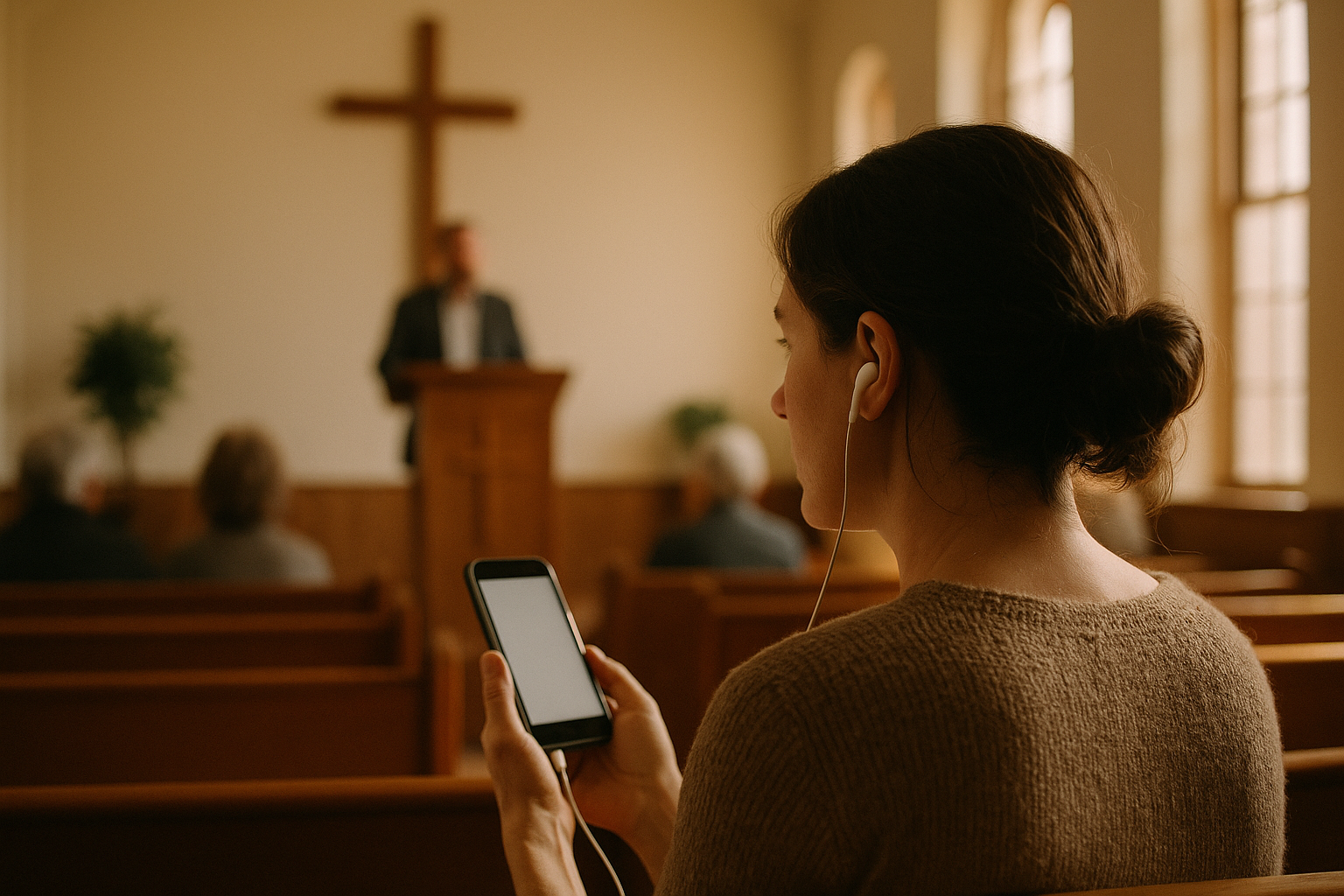
What a church translation app actually has to survive on a Sunday
A church translation app lives or dies on three unglamorous details: whether the preacher's voice reaches it cleanly, whether visitors can start listening without help, and whether it still works when the WiFi is crowded at 10:58 a.m.
Everything else — accuracy claims, language counts, dashboards — matters less than those three. This guide walks through the setup decisions in the order you'll actually face them, with the tradeoffs stated plainly. By the end you should be able to run a bilingual service without adding a single receiver device to your inventory, and know exactly where the failure points are.
The basic model: the app captures the speaker's audio, converts it to live interpretation in the languages you choose, and streams it to attendees' own phones. They open a link, pick a language, plug in earbuds. No hardware handout, no deposit box, no lost transmitters.
Start with your audio, not the app
The single biggest predictor of translation quality is what the app hears. A phone sitting on a pew picking up room reverb, HVAC noise, and a crying toddler will produce translation that reads like a bad transcript. A clean feed from your mixing board produces something people will actually follow for 35 minutes.
Three ways to get audio in, best to worst:
- Direct from the board. Take an aux/monitor send from your mixer into the laptop or phone running the app (USB audio interface, or a 3.5mm cable into a phone's input if you have a compatible adapter). This is the gold standard: you get the pulpit mic and lapel mic only, with no room noise.
- A dedicated mic near the speaker. If your board has no spare output, put a phone or laptop on the pulpit or a stand within a meter of the preacher. Noticeably worse than a board feed but very usable.
- A phone in the back of the room. Works for testing. Don't ship it. Reverb and congregational noise destroy it.
One more thing worth doing before you touch software: check your aux send is post-fade and doesn't include the worship band's full mix. Music with lyrics confuses speech recognition badly. Many churches simply mute the translation feed during singing and unmute for the sermon and announcements.
The band-and-sermon problem
Most services alternate between music and speech. Live translation of song lyrics is rarely useful — the timing is wrong, and translated lyrics can't be sung along to. The practical pattern:
- Print or project translated lyrics ahead of time if singing matters to your multilingual attendees.
- Run the translation app only for the sermon, announcements, prayer, and any testimony or interview segments.
- Tell listeners this explicitly in your welcome slide, so they don't assume the app is broken during worship.
Getting phones connected without a bottleneck at the door
If a visitor needs three steps and a volunteer's help to hear the sermon, most won't bother. Aim for one scan, one tap.
What works in practice:
- A QR code printed on the bulletin and on a small card in every other pew row. Not just at the welcome desk — people decide they need translation two minutes into the sermon, not at the door.
- A slide before the service with the QR code and the words "Español · 한국어 · Français" in the actual languages. Text in English asking whether someone needs translation is self-defeating.
- No app store download. Anything requiring an install loses half your audience. Browser-based access matters more than any feature on a comparison chart.
- Loaner earbuds. Keep a basket of cheap wired earbuds ($1–2 each) at the welcome desk. Some people carry none. This is the cheapest fix in the whole project.
On network: a church translation app that streams to 30 phones needs your WiFi to hold 30 concurrent low-bandwidth audio streams. That's modest — comparable to 30 people streaming music — but a consumer router from 2015 with 60 people already on it will struggle. Test at real attendance, not on Tuesday afternoon with an empty building. Also confirm your guest network doesn't have client isolation or a captive portal that times out mid-service.
Human interpreter, app, or both?
Be honest about what each gives you.
A skilled human interpreter handles idiom, scripture references, pastoral tone, and the moment your pastor says "as my grandmother used to say." They also cost money or volunteer time, need to be present every week, and can only cover the languages you can staff.
A church translation app is available every week, covers many languages at once, and costs a fraction as much. It will occasionally mangle names, denominational jargon, and puns. It won't convey emotion in the way a person can.
Most churches we see land in one of these places:
- App only for a second or third language where you have a handful of attendees and no interpreter. Previously these people got nothing.
- Human interpreter for the dominant second language, app for the rest. Spanish gets a live interpreter; Tagalog, Arabic, and Ukrainian get the app.
- App as backup. The interpreter is out sick; the app covers that Sunday instead of cancelling.
You can improve app accuracy meaningfully by feeding it a custom vocabulary list: your pastor's name, staff names, ministry names ("AWANA," "Alpha," "Sozo"), your city's neighborhoods, and denominational terms. Ten minutes of setup fixes the errors people notice most.
Roles, so it isn't one person's problem
A translation setup that depends on one tech-savvy volunteer will fail the week they travel. Split it:
- Audio person (usually your existing sound tech): confirms the translation feed is live and unmuted for the sermon. Adds ~60 seconds to their pre-service checklist.
- Session starter: opens the app, starts the session, selects the languages, and confirms the QR code on screen matches. Can be the same person or a greeter.
- Floor helper: a greeter who can hand out earbuds and walk one person through the QR code. No technical knowledge needed beyond having done it once themselves.
- Someone who listens: this is the role churches skip. Have one bilingual person listen to the translated stream for five minutes each week and report anything badly wrong. It's the only feedback loop that catches drift.
Write the whole thing on one laminated card and tape it to the sound desk.
A four-week rollout that doesn't blow up in public
Week 1 — Silent test. Run the app during a normal service with nobody listening. Use a board feed. Afterwards, read the transcript and listen back. You're checking audio quality, not accuracy of nuance.
Week 2 — Two friendly testers. Ask two bilingual members to listen on their phones and give blunt feedback: volume, delay, obvious errors, whether the QR code worked. Fix the vocabulary list based on what they flag.
Week 3 — Soft launch to one language group. Announce it to the group directly, in their language, before the service. Have earbuds ready and a helper on the floor.
Week 4 — General announcement. Bulletin, slide, pew cards. Add languages you have actual attendees for, not every language on the menu.
If you want to compress this, the minimum viable version is Week 1 plus Week 2. Skipping the silent test is how churches end up debugging a mixer in front of a congregation.
You can walk through the audio and phone setup on a live service with TransLync before committing to anything — try 30 free minutes of live translation during a sermon and see what your actual room sounds like to the app.
Costs and the tradeoffs nobody puts on the pricing page
Budget honestly across three lines:
- Software: typically billed by minutes of live interpretation, so a 35-minute sermon in three languages is your real unit of cost — not "per user." Estimate: sermon length × weeks × languages.
- Hardware: an audio interface ($40–120) if your board has no USB out, a cable, a basket of earbuds ($30), and a laminated card. Under $200 for most churches.
- Human time: 60 seconds pre-service, plus about an hour of one-time setup and vocabulary work.
The honest tradeoffs:
- Latency. There's a delay of a few seconds. Listeners hear the translation slightly behind the room. Most adjust within minutes; a few find it distracting, especially if they can partly follow the English.
- Names and jargon. Fixable with a vocabulary list, never perfect.
- Emotional register. A machine won't drop its voice for a hard moment. If your services lean heavily on tone and story, a human interpreter for your largest language group is still worth it.
- Phone dependence. Some attendees, especially older ones, won't use a phone in a service. Keep a couple of loaner phones with earbuds pre-loaded.
None of these are reasons to skip it. They're reasons to set expectations in your announcement — "a few seconds behind, and it sometimes gets names wrong" buys you enormous goodwill compared to promising perfection.
A pre-service checklist you can actually tape to the wall
- Translation feed unmuted on the board, level showing on the app
- Session started, correct languages selected
- QR code on the welcome slide and matching the live session
- Earbud basket stocked at the welcome desk
- Guest WiFi password on the slide
- One bilingual listener assigned this week
- Phone or laptop running the session plugged in, not on battery
Seven items. Under two minutes. That's the whole operational burden of a church translation app once it's set up — and it's the difference between a visitor understanding the sermon and a visitor sitting politely through 35 minutes of a language they don't speak.
Frequently Asked Questions
Do attendees need to download an app?
With TransLync, no — listeners open a link or scan a QR code and choose their language in a mobile browser. This matters more than it sounds: requiring an install typically loses a large share of first-time visitors, who won't download something in the middle of a service.
How many languages can we run at once?
Technically many, but the practical limit is your own audience. Add languages you have actual attendees for. Every extra language usually adds to your minute-based cost, and an unused language just inflates your bill. Start with one or two, check who's listening, then expand.
Will it work if our WiFi is unreliable?
Audio streams are low-bandwidth, but they still need a stable connection. Test at full attendance, not on a quiet weekday. If your guest network struggles, listeners on mobile data will usually be fine — mention that option on your welcome slide as a fallback.
Can this replace our volunteer interpreter?
For a language where you have no interpreter, it gives people something instead of nothing. For your largest second-language group, a skilled human interpreter still handles tone, idiom, and scripture references better. Many churches keep the interpreter for one language and use the app for the rest, or use the app as backup when the interpreter is away.
How do we handle names and church-specific terms?
Add a custom vocabulary list before your first real service: staff names, ministry program names, your denomination's terms, and local place names. This takes about ten minutes and fixes the errors congregants notice most.
What's the easiest way to test before committing?
Run one silent test during a normal service with no listeners, using a feed from your mixing board, then review the output. You can try 30 free minutes of live translation with TransLync to do exactly this — it's enough for one sermon.